
CMS Pages
CMS pages are the informational pages the platform shows to visitors and tenants — pages such as Privacy Policy, Terms & Conditions, Contact Us, and Refund Policy.
What you'll learn
- How to view CMS pages
- How to create a page and set its content and SEO
Viewing pages
Go to CMS to see every page, with its title, URL key, and id.
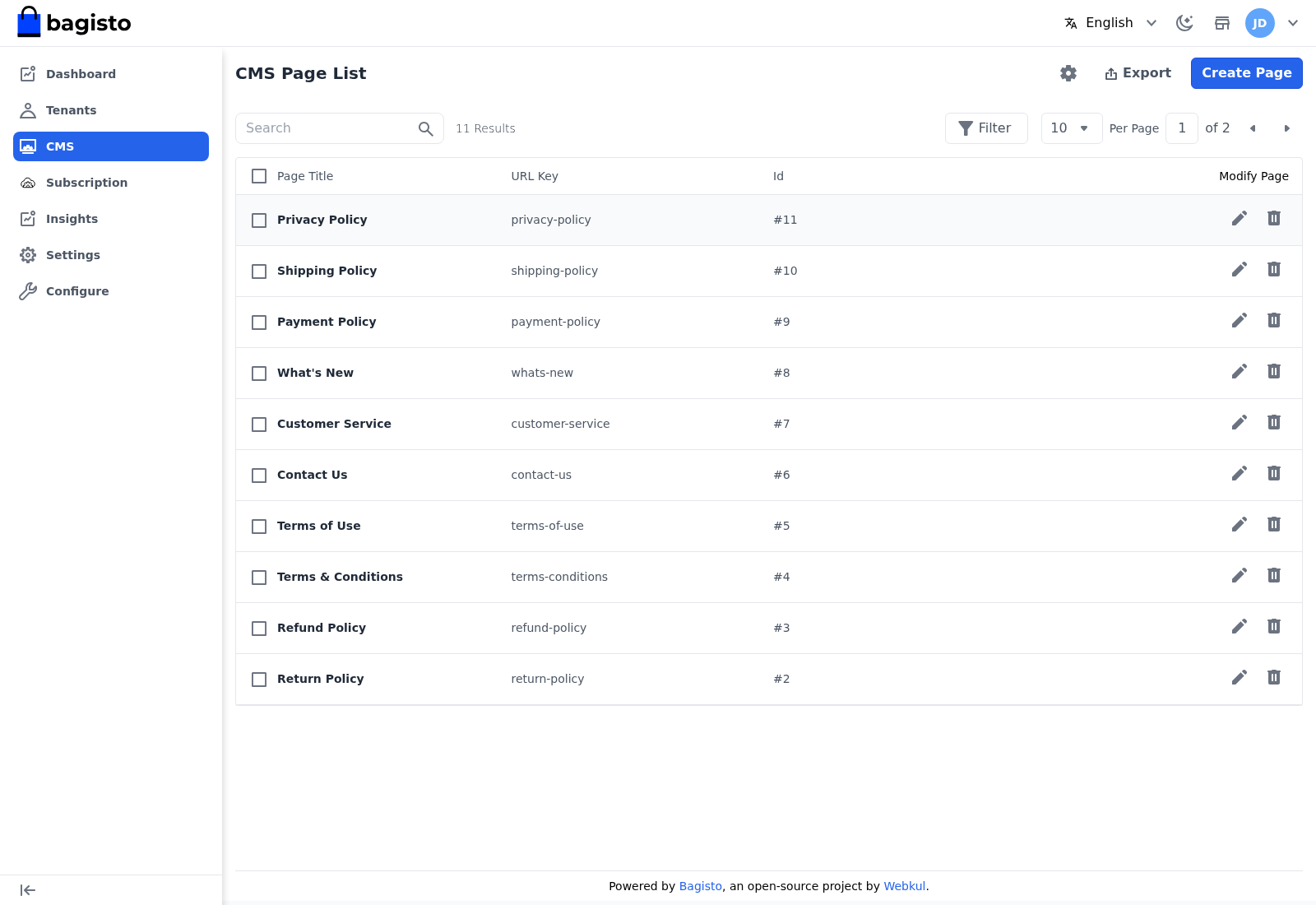
From the list you can Edit or Delete a page, and use Export to download the pages.
Creating a page
Click Create Page and fill in the form.
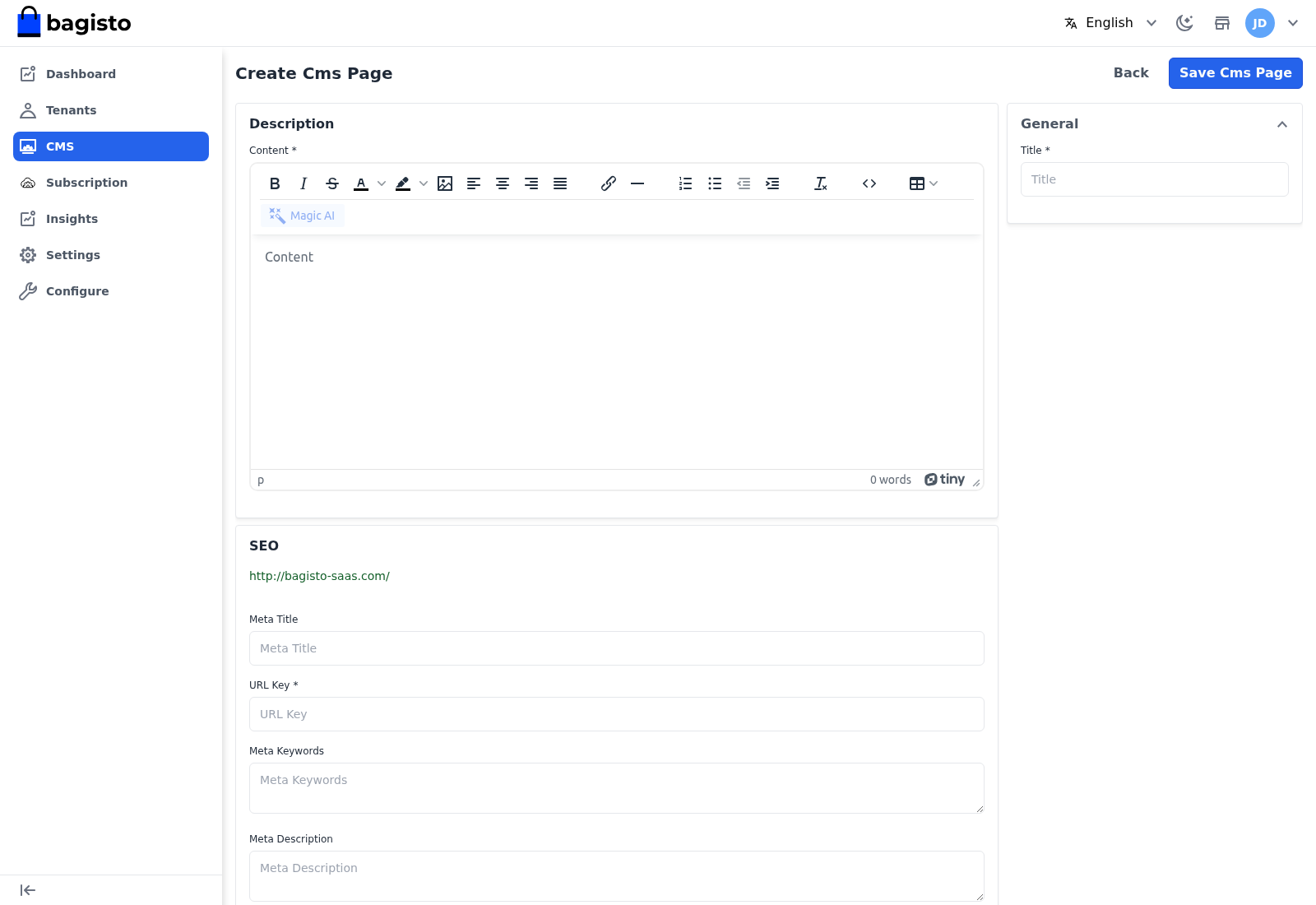
- Title — the page title.
- Content — the page body, written in the rich-text editor.
- Meta Title — the title shown to search engines.
- URL Key — the address the page lives at, added to the platform URL. This must be unique.
- Meta Keywords — keywords for search engines.
- Meta Description — the summary shown in search results.
Select Save Cms Page to publish it.
TIP
Fill in the SEO fields even for policy pages — a clear meta title and description improve how the page appears when a visitor searches for it.