
Agents & Roles
Agents are the staff who help you run the platform, and roles control what each of them can do.
What you'll learn
- How to add and manage platform staff (agents)
- How to control access with roles
Agents
Go to Settings → Agents to manage platform staff. The list shows each agent's name, email, role, and status.
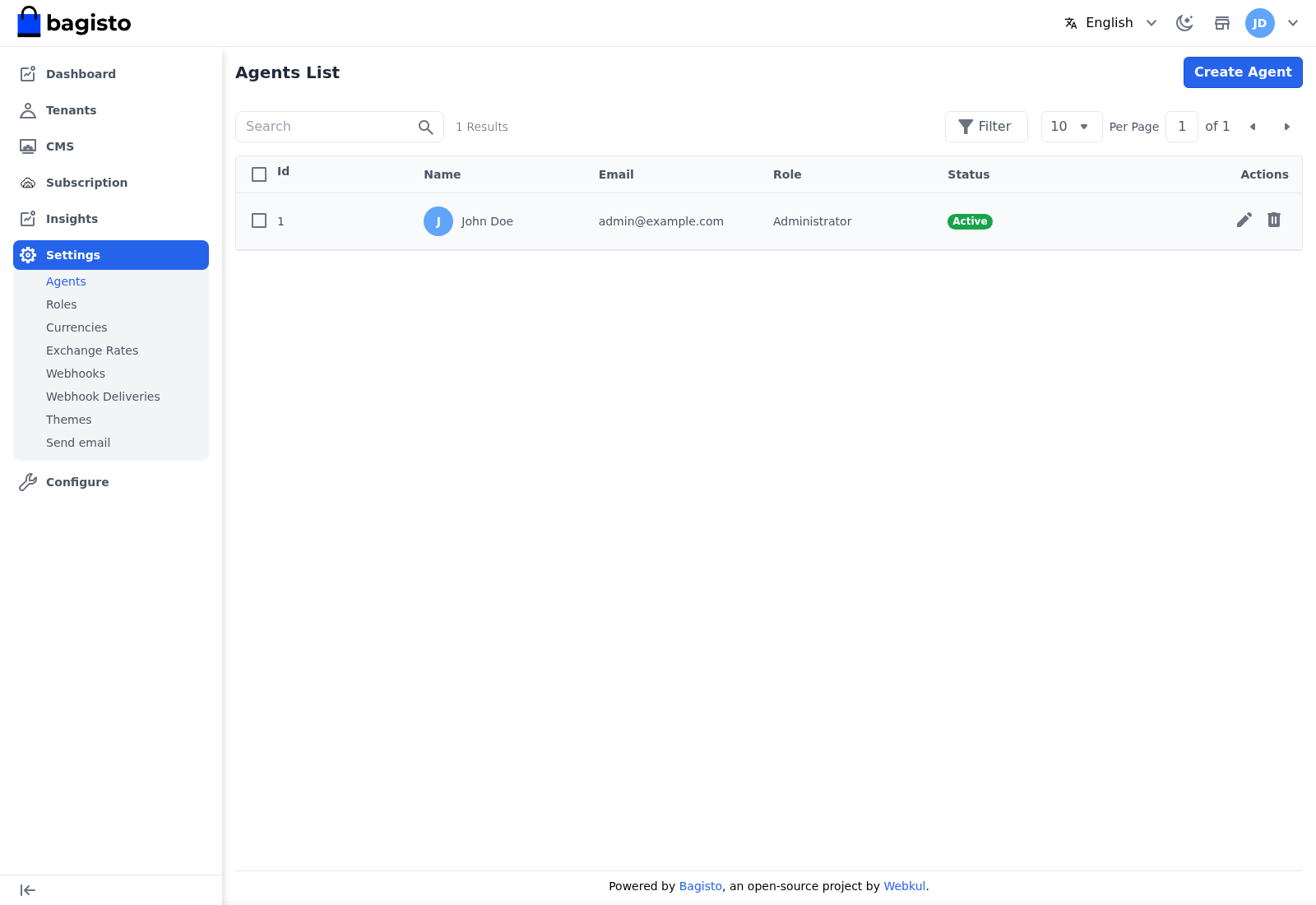
Click Create Agent to add a staff member with a name, email, password, and role. Use the Edit and Delete icons on a row to change or remove an agent.
Roles
Go to Settings → Roles to control what agents can do. A role is either given All access or a custom set of permissions across the platform's sections.
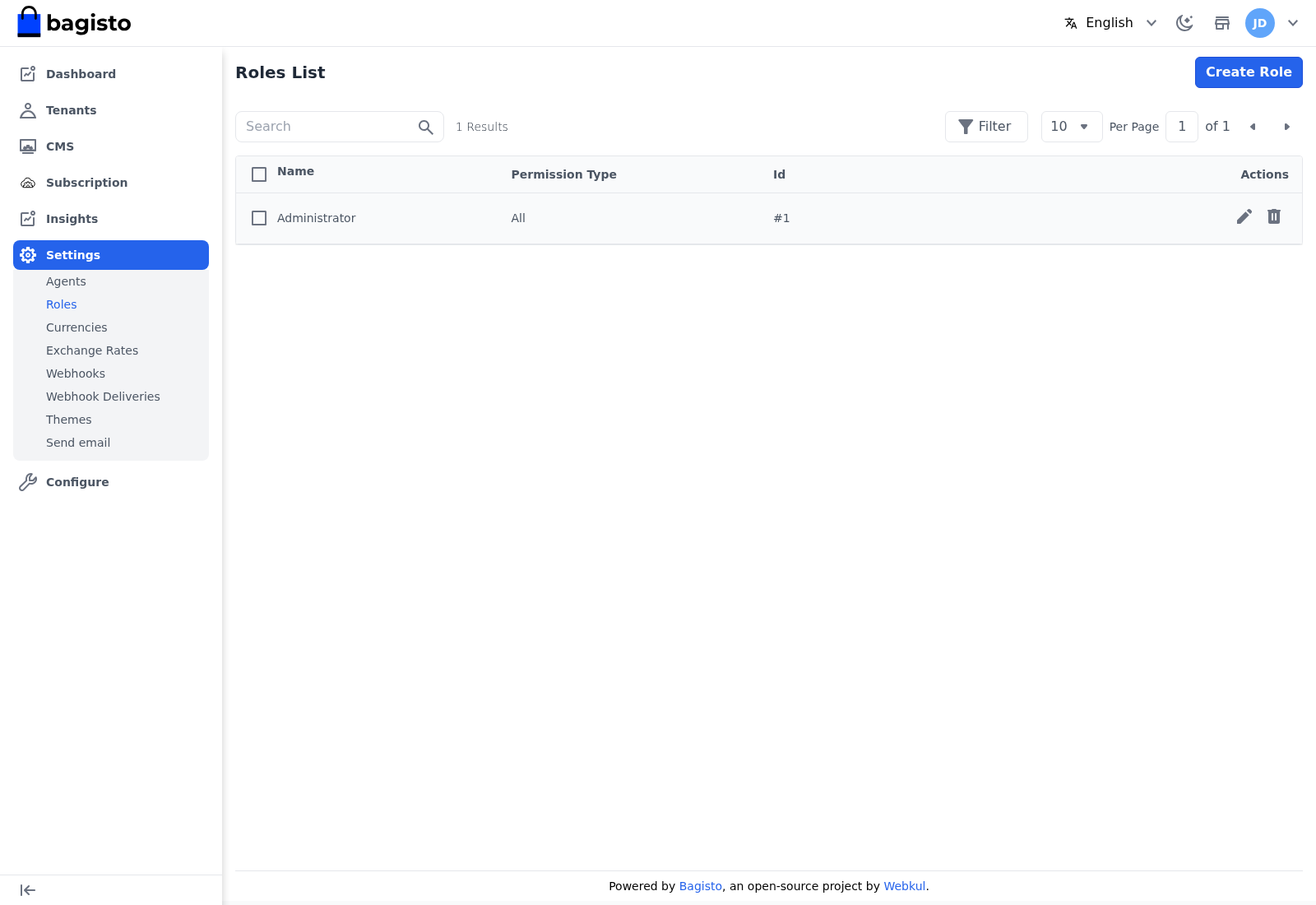
Click Create Role, give it a name and description, choose its access level, and save. Assign the role to an agent from the Agents screen.
TIP
Give each agent the narrowest role that lets them do their job. Reserve All access for the few people who truly need to change every platform setting.