
Currencies & Exchange Rates
Currencies and exchange rates control the money side of the platform — which currencies tenants can be billed in, and how they convert against your base currency.
What you'll learn
- How to manage the platform's currencies
- How to set exchange rates against the base currency
Currencies
Go to Settings → Currencies to manage the currencies available on the platform. Each currency has a code, name, and symbol.
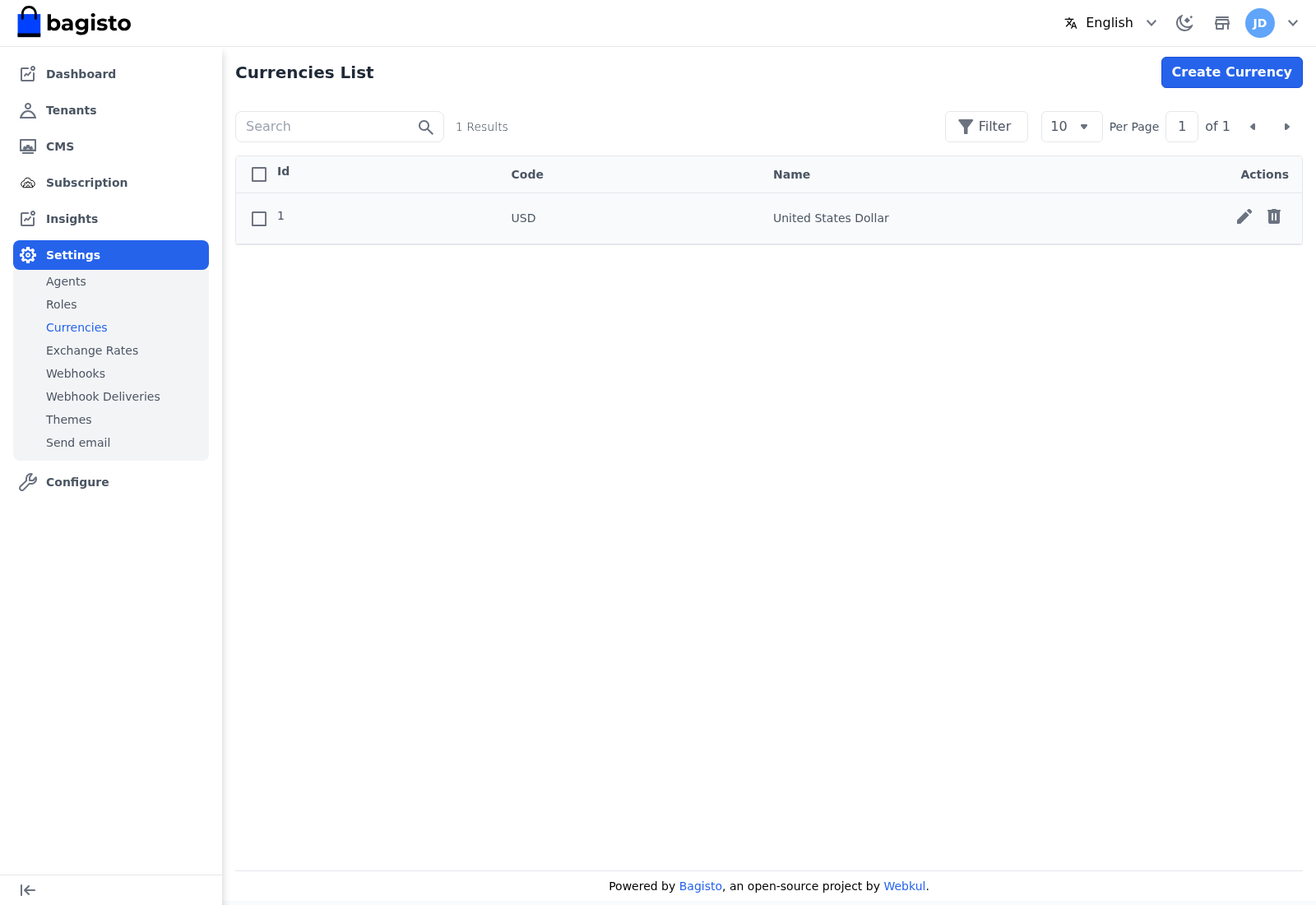
Use Create Currency to add one, and the Edit and Delete icons to change or remove a currency.
Exchange Rates
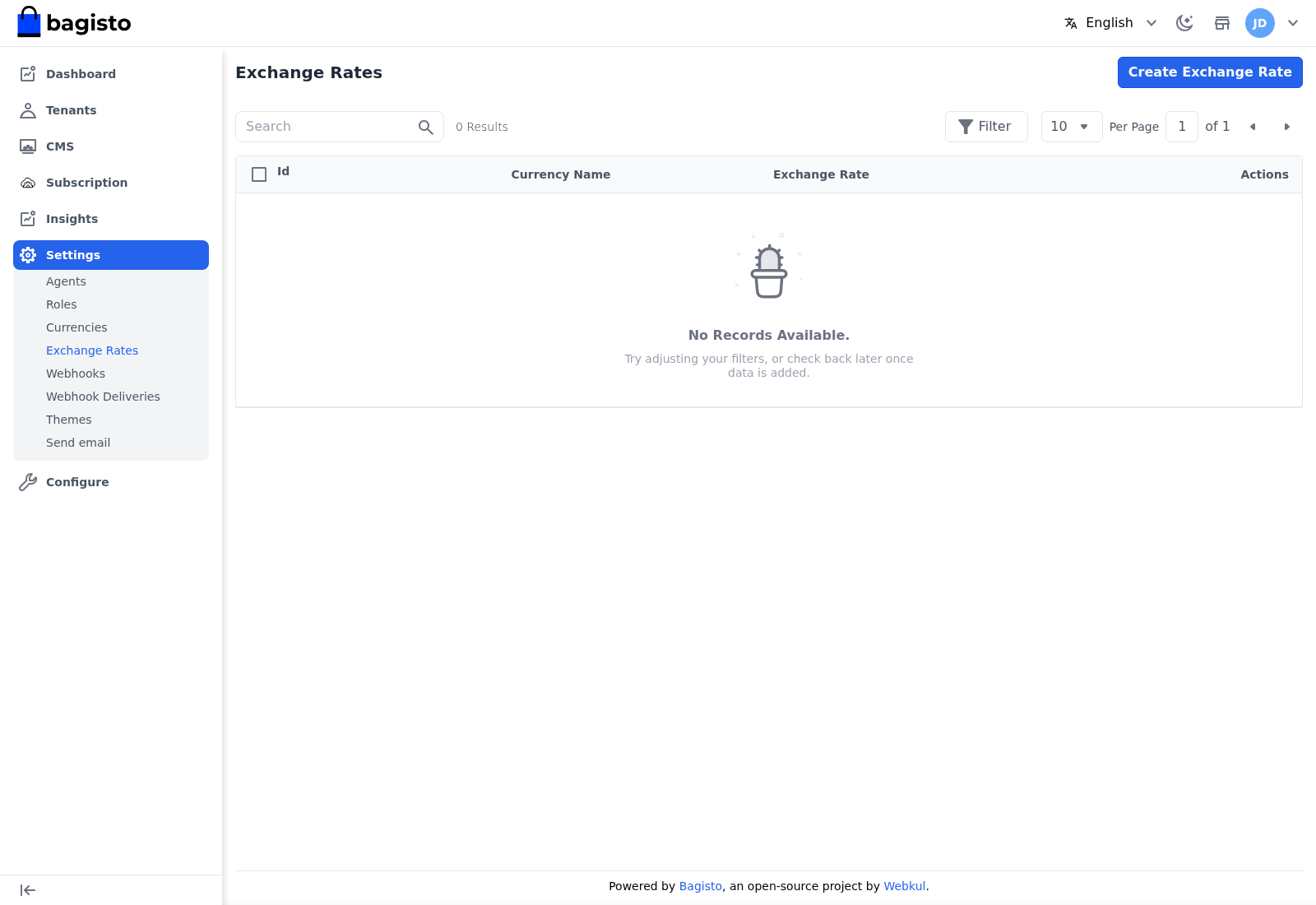
Go to Settings → Exchange Rates to set the rate of each currency against the base currency, so amounts convert correctly across the platform.
TIP
Keep exchange rates current if you bill tenants in more than one currency — stale rates quietly distort every converted amount on the platform.