
Tenant Data
The super admin can review the data behind every tenant store — their customers, products, and orders — in one place. These views are read-only: they let you audit and support without touching a merchant's store.
What you'll learn
- Where to see all tenants' customers, products, and orders
- Why these lists are read-only
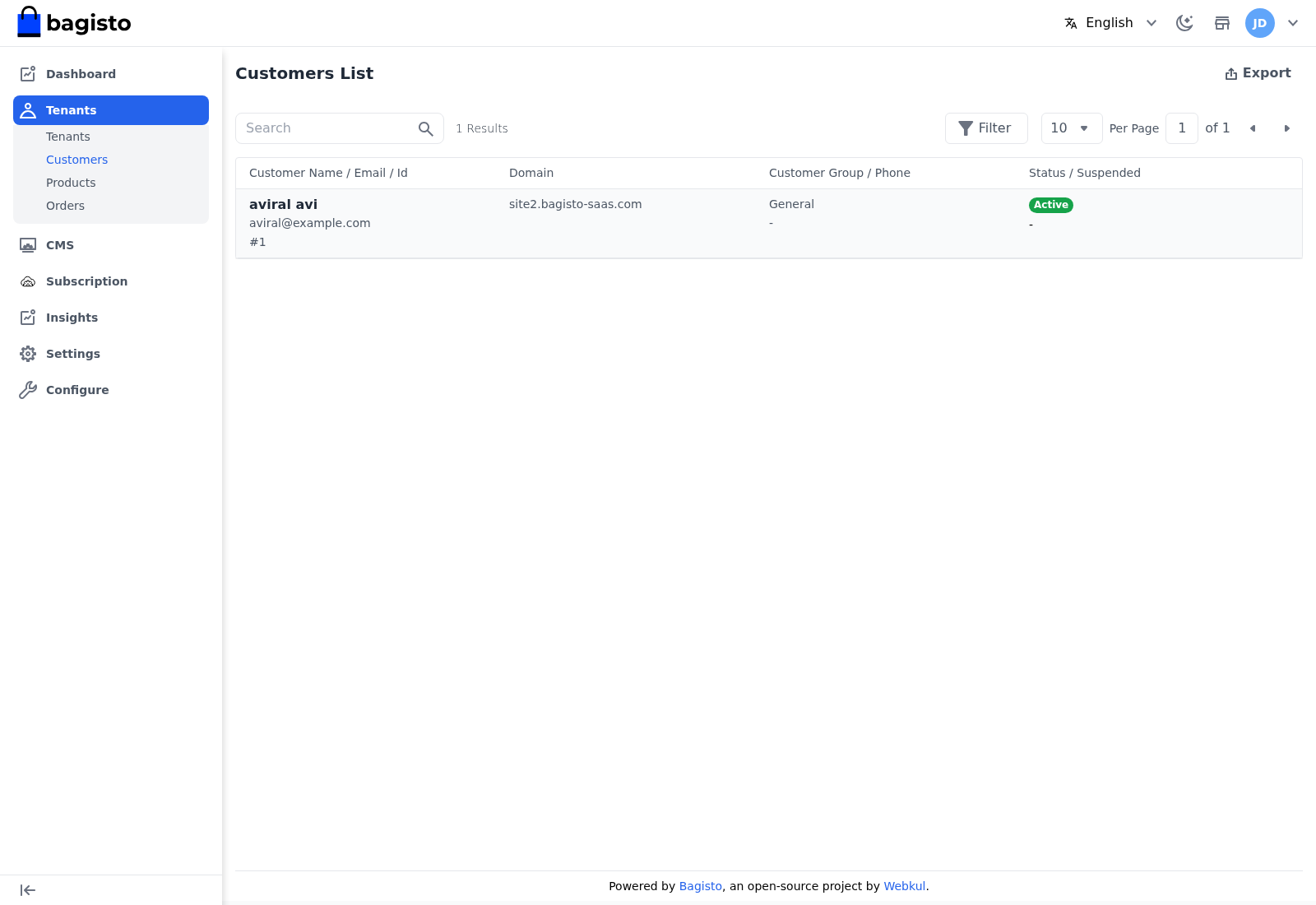
Customers
Go to Tenants → Customers to see every customer across all tenant stores.
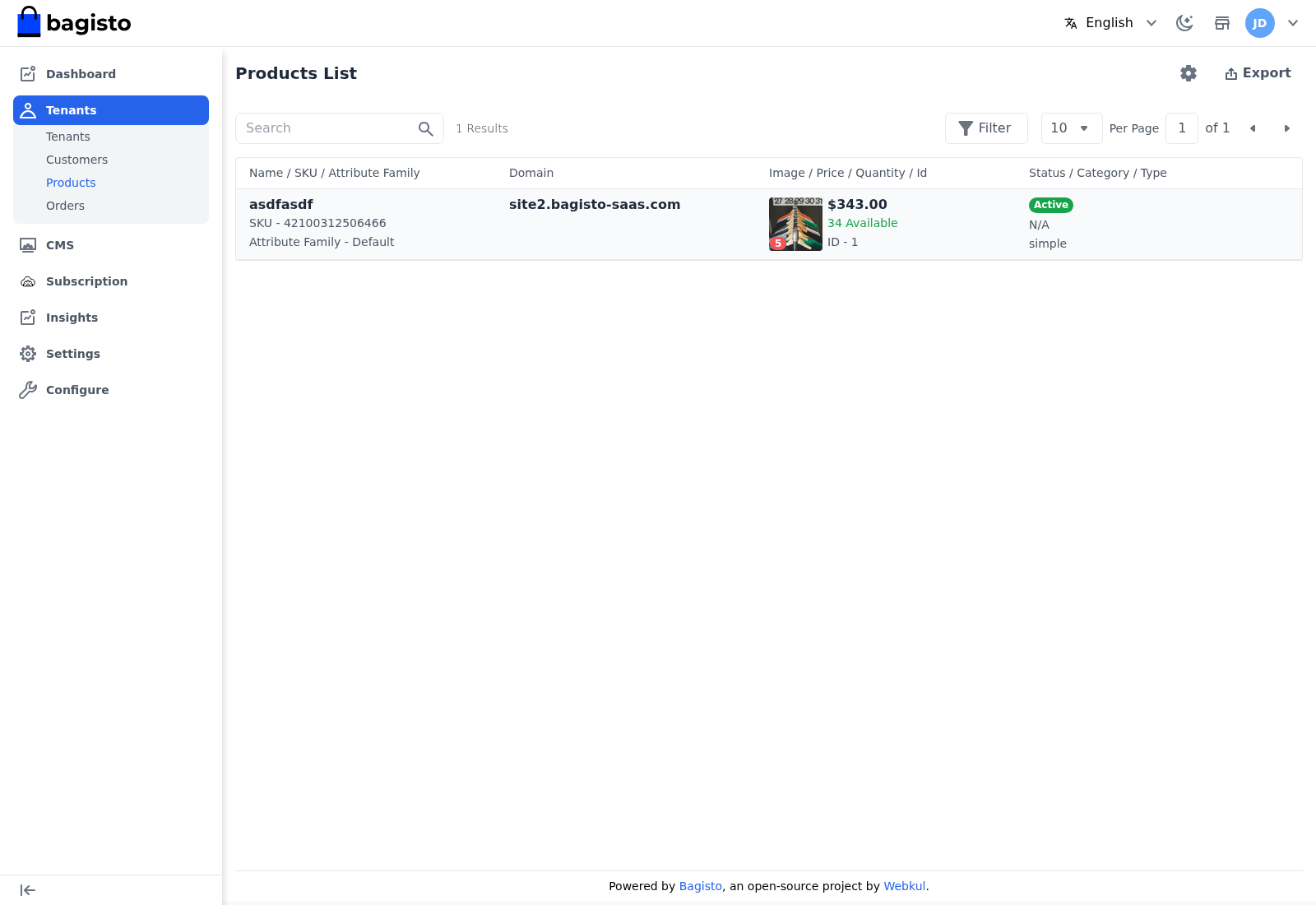
Products
Go to Tenants → Products to see every product across all tenant stores.
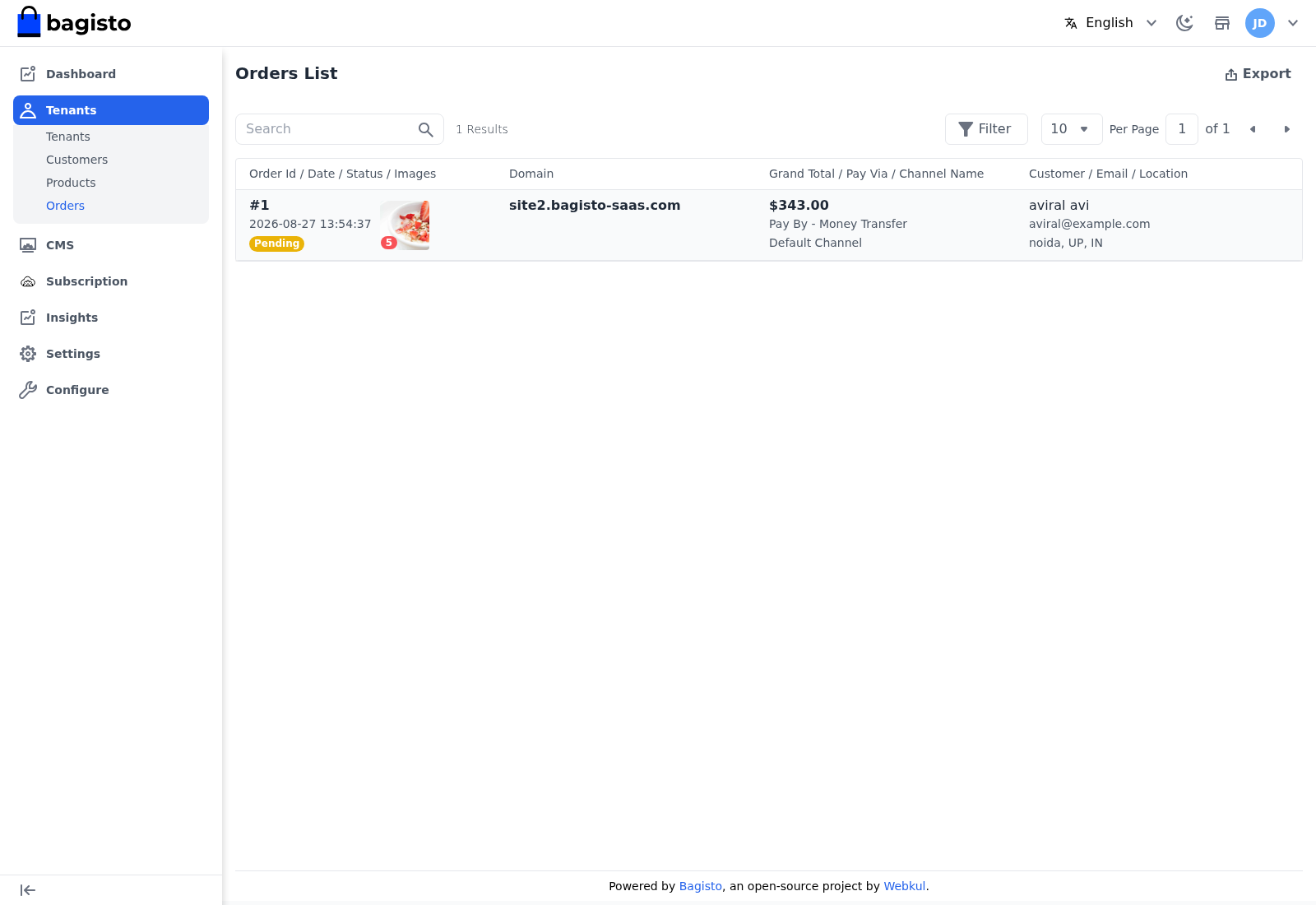
Orders
Go to Tenants → Orders to see every order across all tenant stores.
WARNING
These lists are view only. You can browse, search, and filter, but you cannot edit or delete a tenant's records — only the tenant manages their own store data.
TIP
To act on a specific store rather than browse across all of them, open the tenant from Tenant Management and use Login As Tenant.