
Profile & Billing
A merchant keeps their own contact details and billing address up to date from the Tenant Admin panel.
What you'll learn
- How a merchant edits their company profile
- Where the billing address used on invoices is managed
Company profile
Under Settings, a merchant opens Edit Company Detail to update their profile.
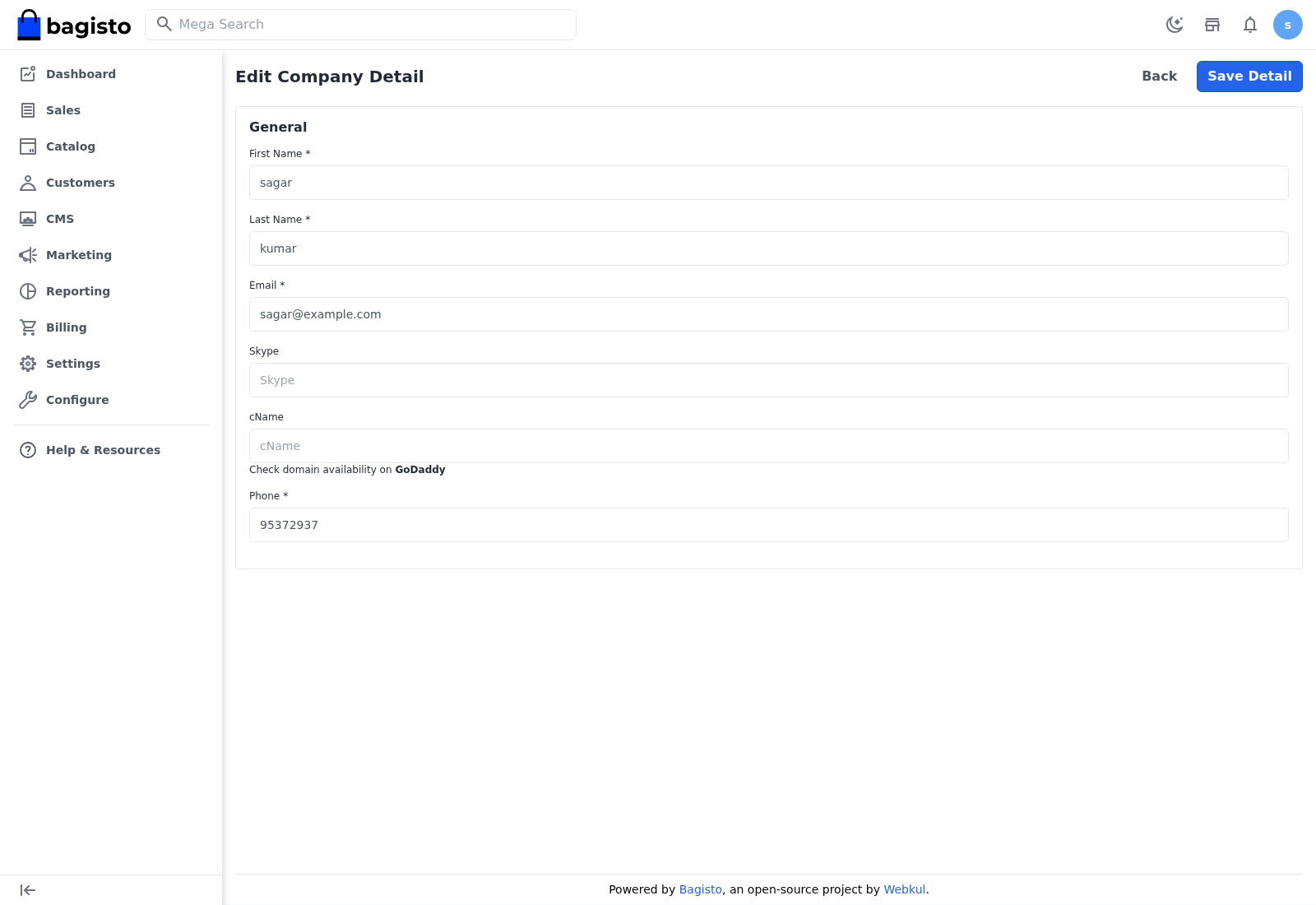
They can change:
- First Name and Last Name
- Skype
- cName — the custom domain to point at the store (see CNAME Mapping)
- Phone
Select Save Detail to keep the changes, or Back to return.
Billing address
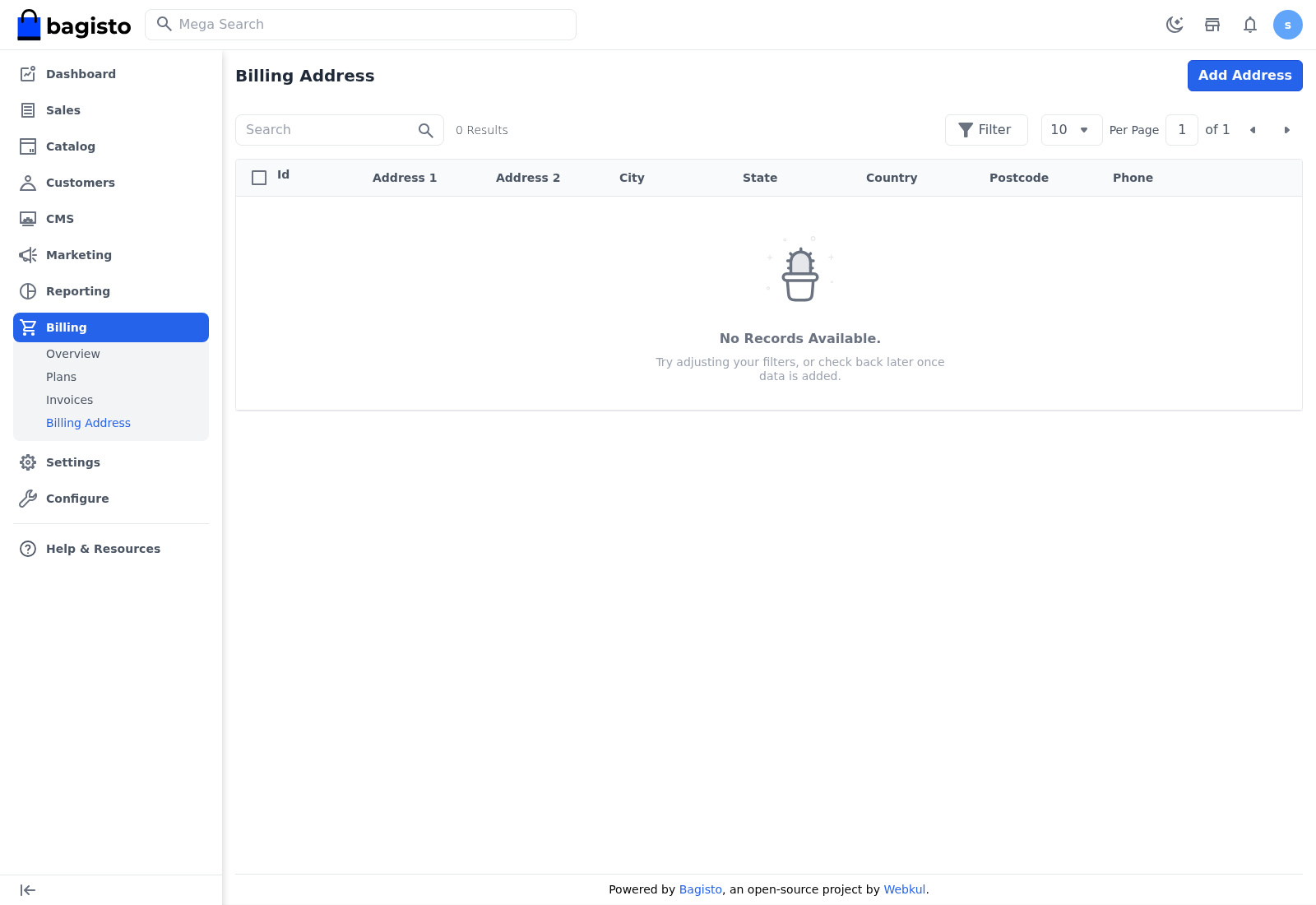
The billing address used on subscription invoices is managed under Billing → Billing Address. Select Add Address to add one, entering the address lines, city, state, country, postcode, and phone.
TIP
Add a billing address before subscribing to a paid plan — it appears on every subscription invoice, so getting it right once saves correcting invoices later. See Tenant Billing.