
Send Email
Send Email lets you broadcast a message to your tenants straight from the Super Admin panel.
What you'll learn
- How to compose and send an email to tenants
Sending an email
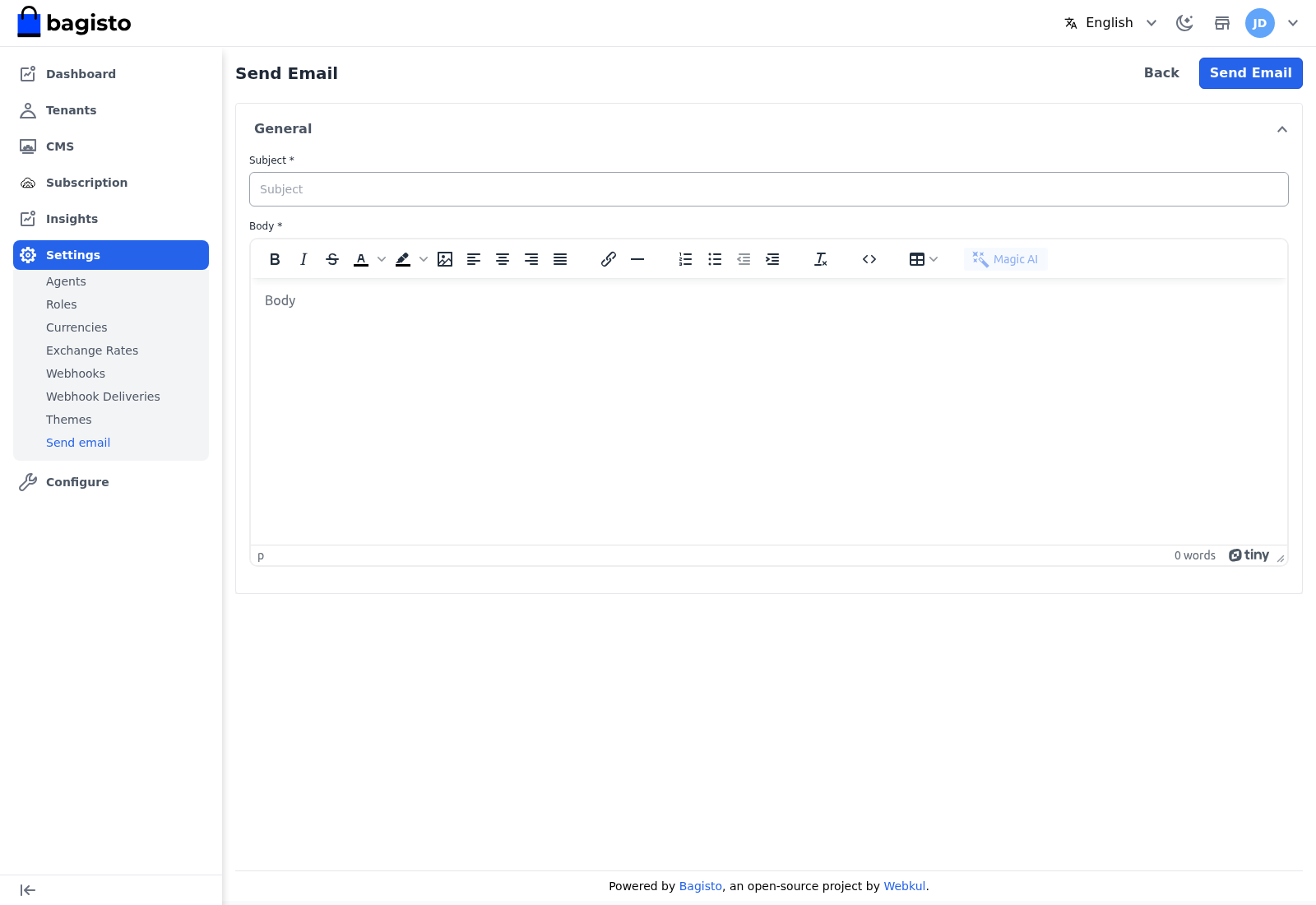
Go to Settings → Send email, enter a Subject, and compose the Body in the rich-text editor. Select Send Email to deliver it.
TIP
Use this for announcements and platform-wide notices. The automated, per-tenant lifecycle emails — trial ending, renewal, overdue invoice — are configured separately under Configuration → Notifications.