
Themes
The Themes settings control the content blocks that make up the platform's own registration and landing pages — the hero signboard, pricing, footer links, and more. These are the super admin's platform-facing themes, separate from the storefront themes a tenant applies to their store.
What you'll learn
- What the super admin themes control
- How to add and order theme blocks
Managing theme blocks
Go to Settings → Themes to see the blocks that build up the platform's landing and registration pages. Each block has a name, type, sort order, and status.
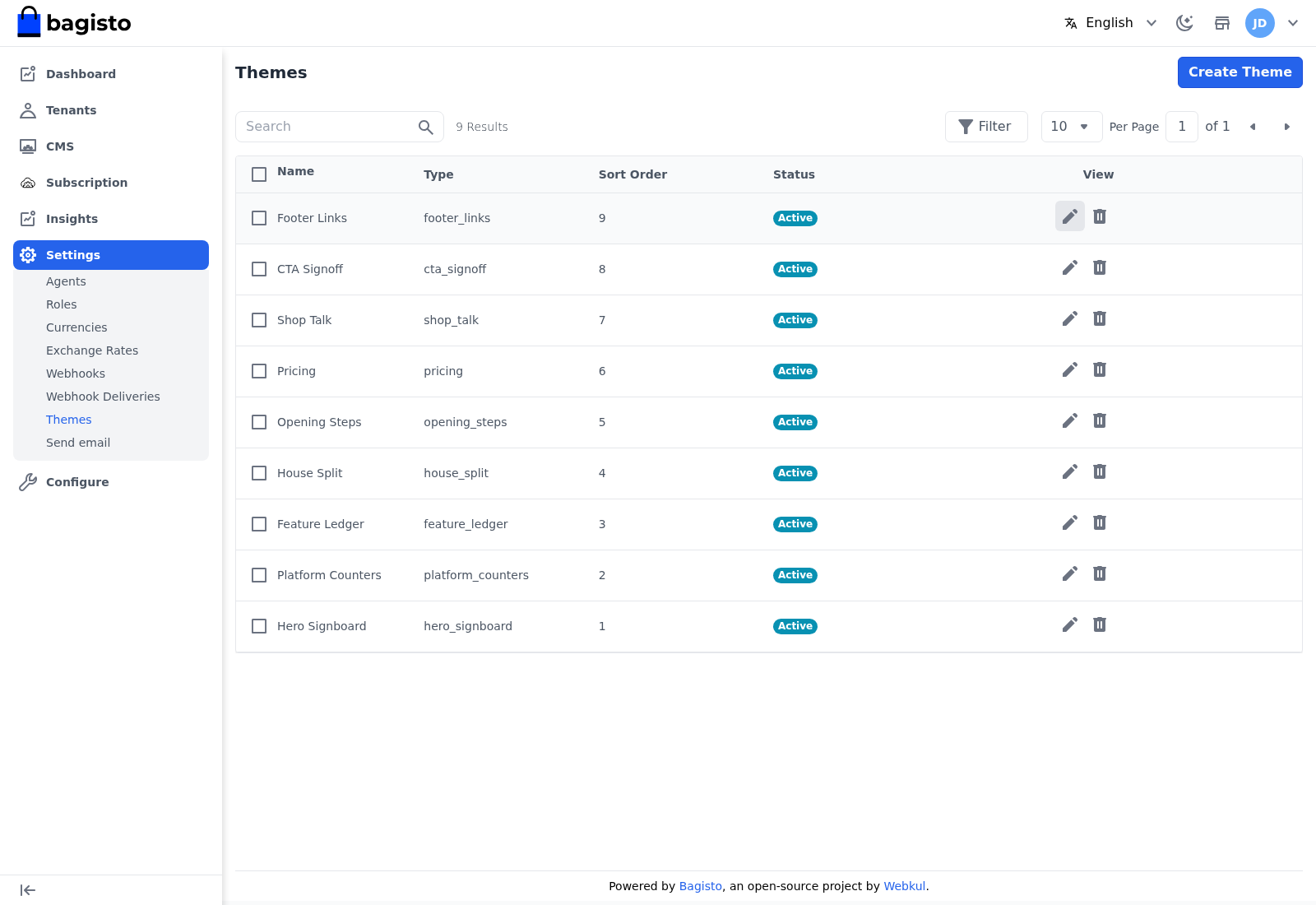
- Use Create Theme to add a block.
- Use the Edit icon to change one.
- Use the sort order to control where a block appears on the page.
TIP
This is where you shape the first impression a prospective merchant gets. Keep the hero and pricing blocks accurate — they are what convinces a visitor to open a store.