
Configuration
The Configure screen holds the platform-wide settings that control how the platform looks, how subscriptions are paid for, and which emails go out automatically.
What you'll learn
- What each configuration group controls
- Where to set payment, trial, and notification options
Overview
Go to Configure to see the settings grouped into sections. Use the search box at the top to jump to a setting.
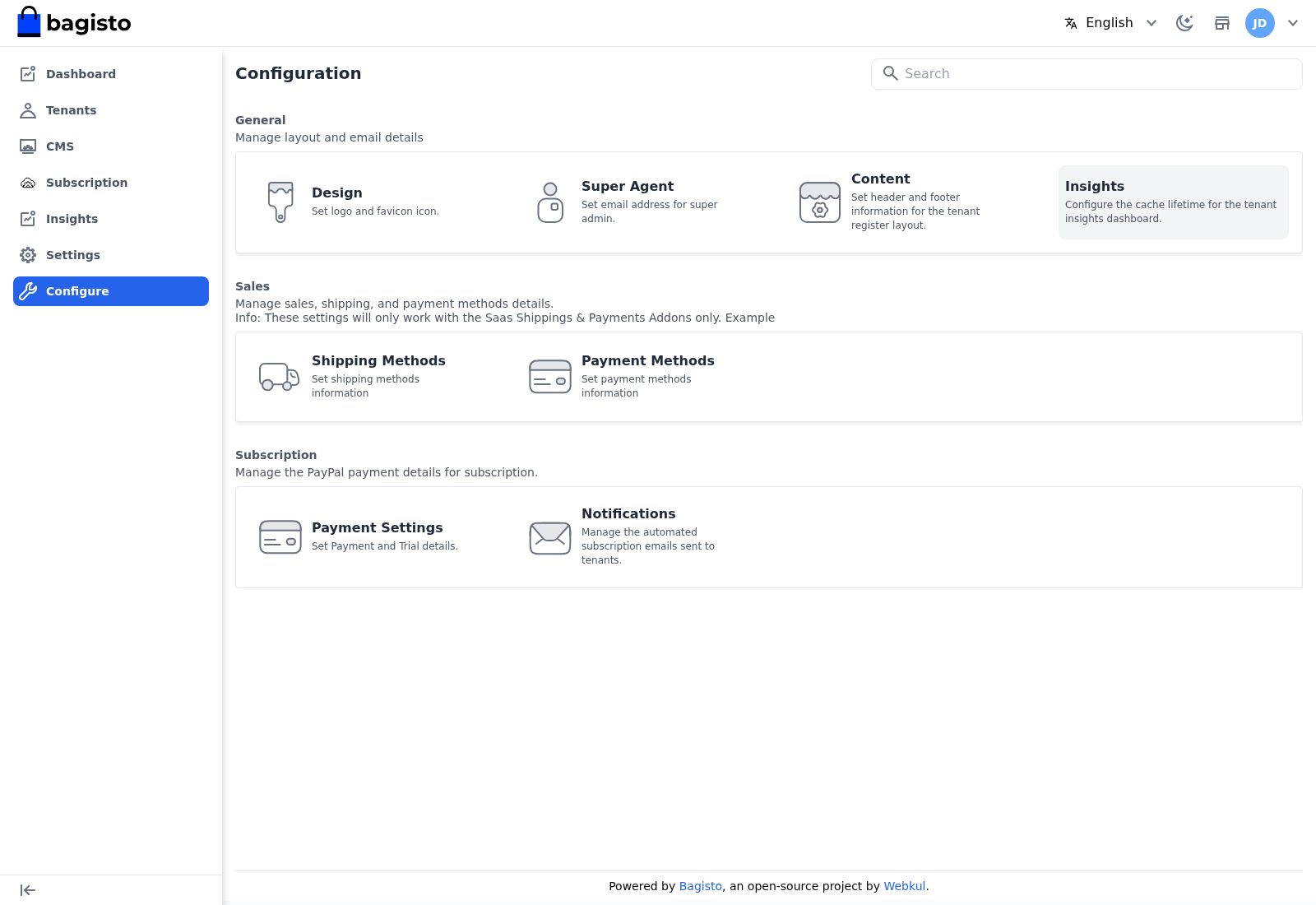
General
- Design — set the platform logo and favicon.
- Super Agent — set the email address for the super admin.
- Content — set the header and footer information shown on the tenant registration layout.
- Insights — set how long the tenant insights dashboard is cached before it refreshes.
Sales
- Shipping Methods — set the shipping method information.
- Payment Methods — set the payment method information.
WARNING
The Sales settings apply only when the SaaS Shippings & Payments add-ons are installed.
Subscription
- Payment Settings — set the payment and trial details for subscriptions. This is where you enter your Stripe and PayPal credentials, choose the Payment Method you receive plan payments through, turn the Trial Plan on or off and set its length, and manage extension (module) assignment for plans.
- Notifications — manage the automated subscription emails sent to tenants, such as the trial-ending reminder, renewal reminder, overdue-invoice reminder, and expiry notice. These are sent by the daily subscription notification schedule.
TIP
Configure Payment Settings before you publish paid plans — without valid Stripe or PayPal credentials, tenants can only be billed manually.