
Dashboard & Sign-in
The Super Admin panel is where the whole platform is run. This page covers getting in and reading the dashboard that greets you.
What you'll learn
- How to sign in to the Super Admin panel
- What the dashboard tells you at a glance
Signing in
Open the platform address and go to /super/login, then enter your registered Email Address and Password and select Sign In.
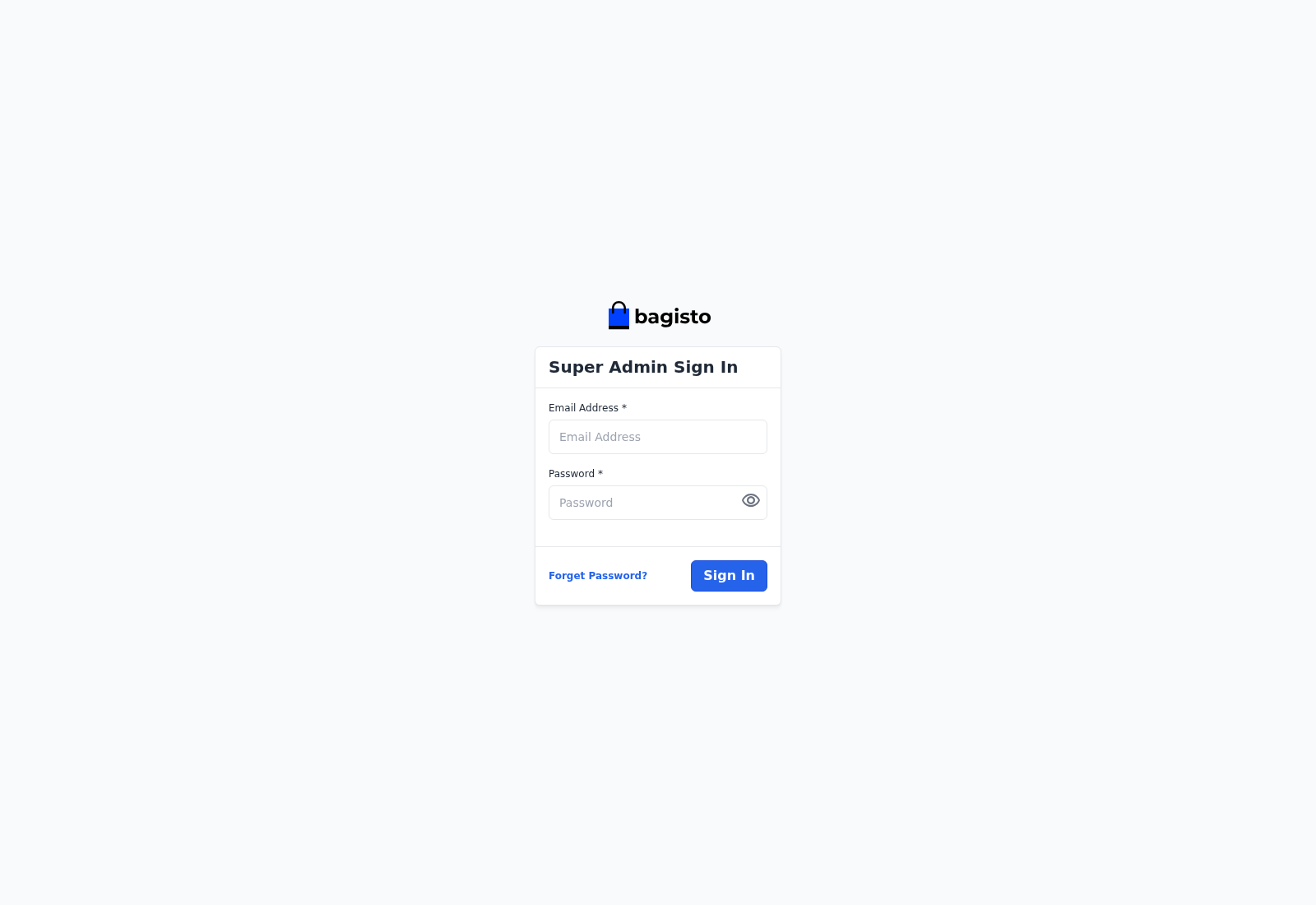
If you forget your password, use Forget Password? to receive a reset link by email.
The dashboard
After you sign in, the Dashboard opens with an overview of the whole platform.
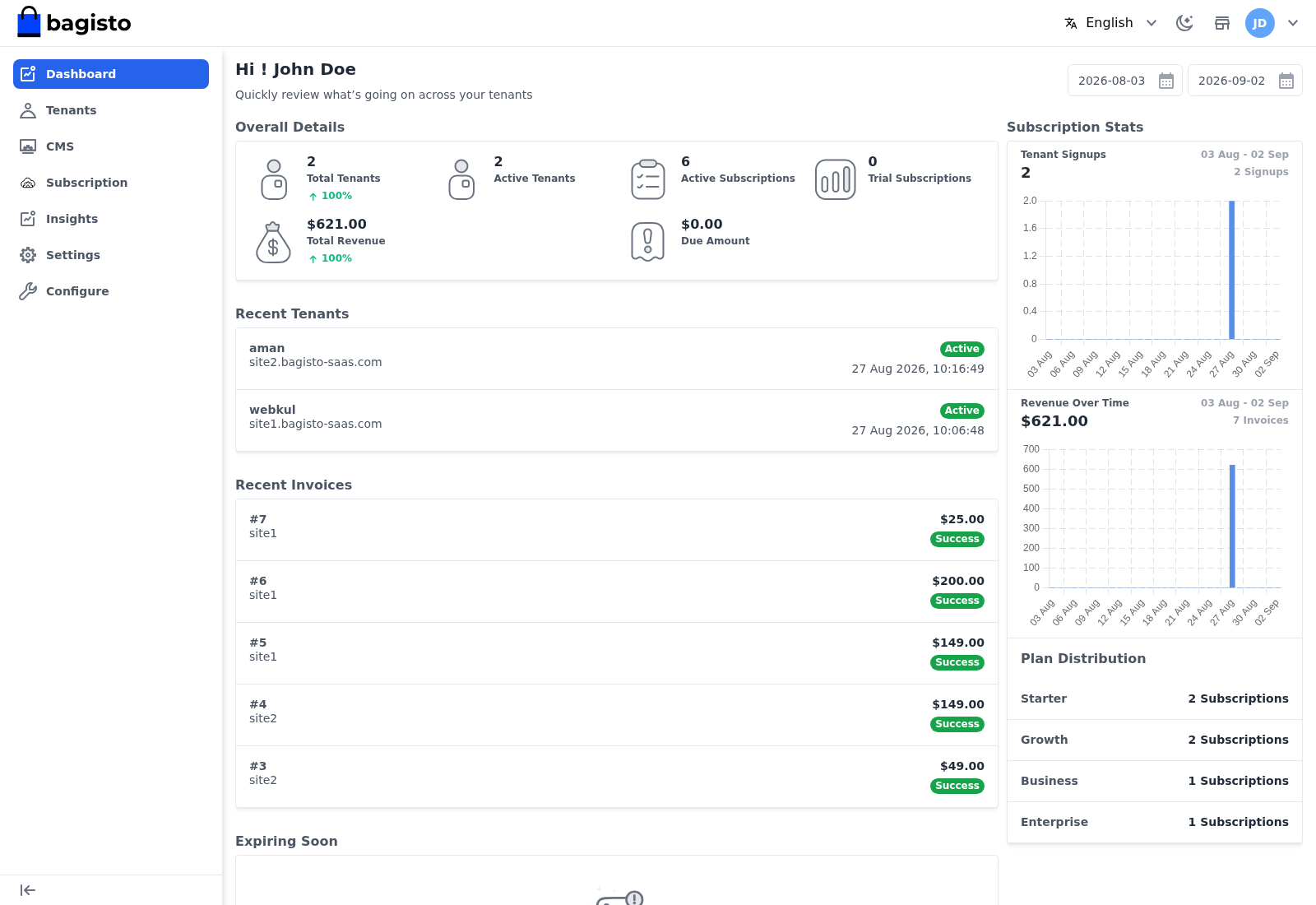
At a glance it shows:
- Overall Details — total and active tenants, active subscriptions, and total revenue.
- Recent Tenants — the latest stores to join, with their subdomain and join date.
- Recent Invoices — the most recent subscription invoices and their amounts.
- Subscription Stats and Plan Distribution — signups over time and how tenants are spread across your plans.
- Expiring Plans — subscriptions approaching their end date.
TIP
The dashboard is a read-only summary. To act on what you see — approve a plan, edit a tenant, chase an invoice — jump to Tenant Management or Purchased Plans & Invoices.